How to Browse GoFundMe to Find Specific People and Local Causes
Quick Answer: To browse GoFundMe, visit the official "Discover" page to filter by 12 main categories, or use the search bar to look up a specific name, title, or city. If the internal search fails to find a specific person, use Google search operators (like site:gofundme.com "First Last" "City") to bypass the platform's trending algorithms and locate exact matches.
With more than $50 million raised every week on the platform, GoFundMe stands out as a top choice for personal and community fundraising. However, navigating this massive ecosystem can sometimes be challenging. Whether you are looking to support a friend in need, find a local community project, or verify the legitimacy of a viral campaign before donating, knowing how to effectively browse the platform is essential.
While the basic search functions are intuitive, finding highly specific or newly created fundraisers often requires a more strategic approach. This article covers everything from basic navigation to advanced search techniques, ensuring you can find exactly what you are looking for.
Where to Find the GoFundMe Browse and Search Tools
The platform provides two primary entry points for users looking to discover campaigns: the "Discover" page and the main search bar. Understanding how the platform's algorithm prioritizes these results will help you browse more effectively.
The Discover Page
If you do not have a specific person in mind and simply want to browse active campaigns, the GoFundMe Discover page is your starting point. This section organizes fundraisers into broad categories and highlights campaigns that are currently gaining momentum. The algorithm heavily favors "news-trending" fundraisers—campaigns that are receiving a high velocity of donations and social media shares in a short period.
The Search Bar
Located at the top left of the desktop site (and under the magnifying glass icon on the mobile app), the GoFundMe Search Tool allows you to input three main parameters:
- Name: The name of the organizer or the beneficiary.
- Location: The city or zip code where the campaign is based.
- Title: Keywords from the title of the fundraiser.
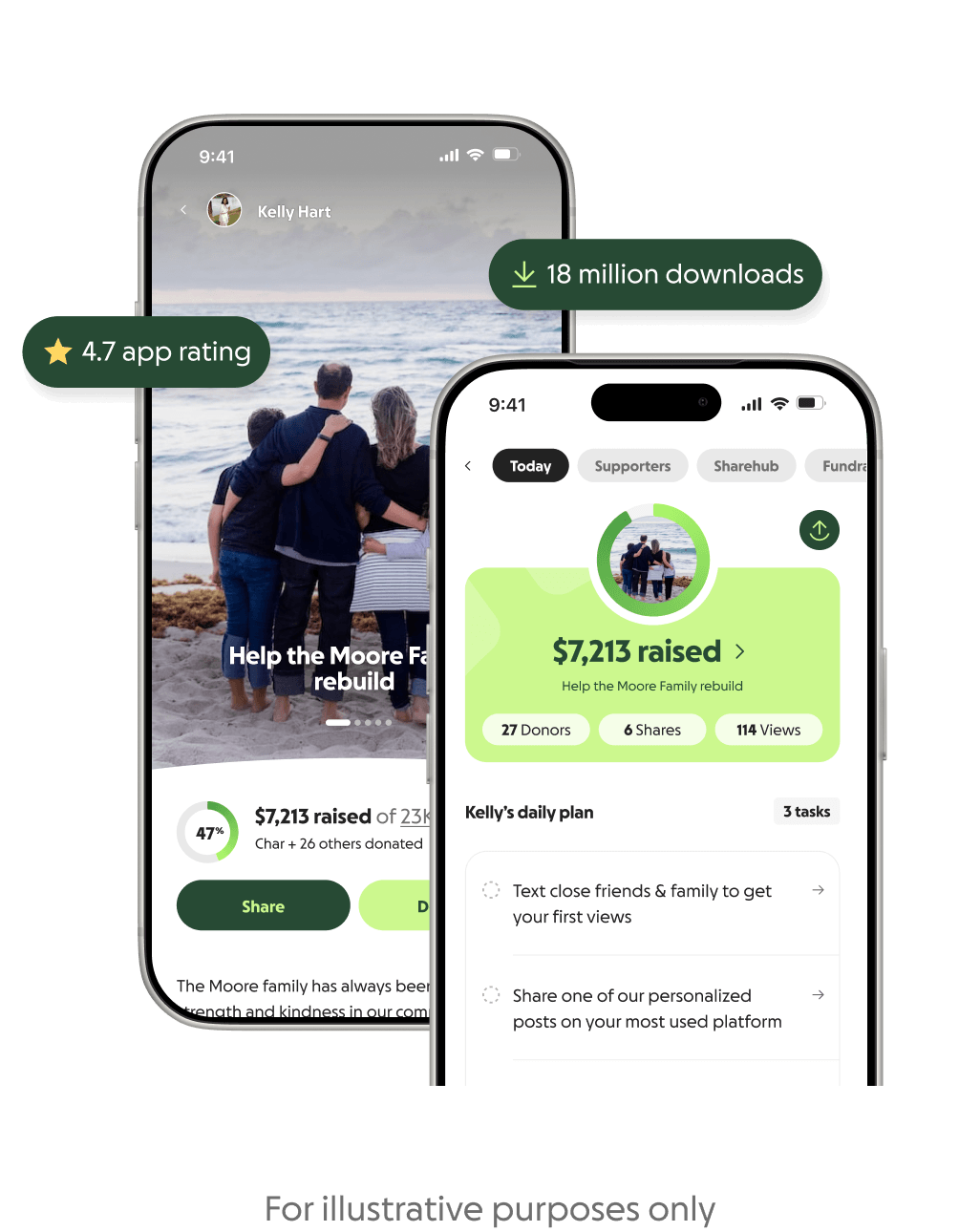
Image source: GoFundMe
It is important to note that newly created fundraisers may experience a slight delay before they are fully indexed in the internal search engine. If a campaign was launched within the last few hours, it might not immediately appear in the standard search results.
How to Find a Specific Person on GoFundMe When the Internal Search Fails
One of the most common frustrations users face is searching for a common name (e.g., "John Smith") and being overwhelmed by thousands of results, or conversely, searching for a specific name and finding zero results because the campaign hasn't gained enough algorithmic traction.
When the internal search tool fails, you can use a technique known as "Google Dorking" (using advanced search operators) to force Google to scan the platform for exact matches.
The "Google Dorking" Strategy
By using the site: operator, you restrict Google's search engine to only look at pages within GoFundMe.com. Combining this with quotation marks forces an exact match for the person's name and location.
site:gofundme.com "Firstname Lastname" "City Name"For example, if you are looking for a memorial fund for someone named Sarah Jenkins in Austin, you would type the following directly into Google:
site:gofundme.com "Sarah Jenkins" "Austin" "memorial"| Search Method | Pros | Cons |
|---|---|---|
| Internal GoFundMe Search | Easy to use, filters by category, shows real-time funding progress. | Often buries new or low-traction campaigns; struggles with common names. |
| Google Search Operators | Finds exact text matches; bypasses platform algorithms; highly accurate. | Requires knowing specific keywords; may show cached (outdated) goal amounts. |
| Social Media Cross-Referencing | Provides the direct URL; confirms the organizer's identity. | Requires the organizer to have publicly shared the link on their profile. |
Social Media Cross-Referencing
If search operators do not yield results, the campaign may be set to "Unlisted." Unlisted campaigns do not appear in public search results and can only be accessed via a direct link. In these cases, check the organizer's or beneficiary's social media profiles. Look for a "Link in Bio" on Instagram or a direct post on Facebook, as this is often the primary distribution method for private community fundraising.
Can You Browse GoFundMe Fundraisers by Zip Code or City?
Many donors prefer to support hyper-local causes within their own neighborhoods. While GoFundMe allows location-based searching, the accuracy of zip code searches can sometimes be inconsistent.
The primary reason for this inconsistency is that the location tied to a fundraiser is usually based on the organizer's billing address or the location they manually entered during setup. If an organizer lives in one zip code but is raising money for a community project in an adjacent zip code, a strict zip code search might miss it.
Instead of relying solely on zip codes, use the city name combined with the state abbreviation (e.g., "Austin, TX" or "Chicago, IL") in the main search bar. This casts a slightly wider net and captures campaigns that may have been tagged with a neighboring zip code.
If you are specifically looking for neighborhood improvement projects, youth sports teams, or local events, navigate to the "Community" category on the Discover page. This category is specifically curated for local-centric needs rather than individual medical or emergency funds.
Exploring the 12 Main GoFundMe Categories and Specialized Hubs
To help donors navigate the massive volume of campaigns, GoFundMe organizes its platform into 12 primary fundraising categories. Understanding these categories can help you narrow down your browsing experience.
Medical and Memorial campaigns consistently rank among the most active categories on the platform, representing a significant portion of the total funds raised. However, the platform also hosts robust sections for Business (often used by local restaurants or shops recovering from unexpected closures) and Education (frequently used by teachers funding classroom supplies).
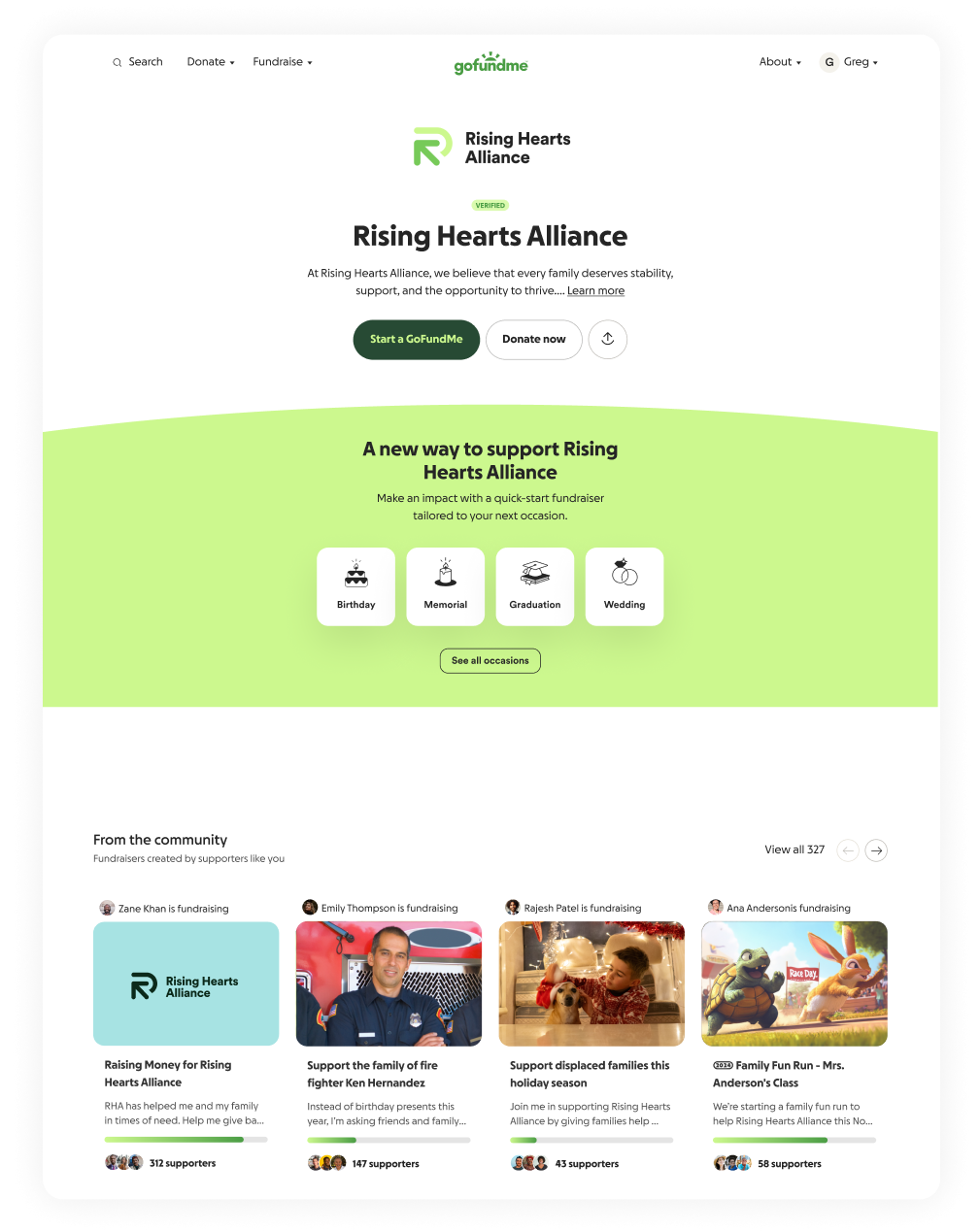
Image source: GoFundMe
Specialized Crisis Hubs
During major natural disasters or global events, browsing standard categories can be overwhelming. To address this, GoFundMe creates specialized Crisis Relief Hubs. These hubs feature campaigns that have been pre-vetted and verified by the platform's Trust & Safety team, ensuring that funds are routed directly to verified victims or established relief organizations.
How to Verify a Fundraiser Before You Donate
When browsing campaigns—especially those shared by people you do not know personally—trust is paramount. GoFundMe provides the "Giving Guarantee," an official policy that protects donors from fraud by offering a full refund in the rare event of misuse. However, manual vetting is still a highly recommended practice.
Here is a timeline of what to look for when verifying a campaign page:
1. Check the Story Depth
According to platform data, trustworthy and effective stories are typically 550 characters or longer. A campaign with only one or two vague sentences should prompt further scrutiny. Look for specific details about how the funds will be used and who is managing the withdrawals.
2. Review the Update Frequency
GoFundMe's internal statistics show that campaigns posting regular written updates can lead to significantly more donations. Look for updates posted at least once a week. If a campaign has been active for months with zero updates, it may be inactive or abandoned.
3. Analyze the Visual Proof
Legitimate campaigns typically feature high-resolution, personal photos. Be cautious of campaigns relying entirely on generic stock imagery or heavily pixelated photos pulled from social media.
4. Look for the "Enhanced Review" Indicators
If a campaign is featured on the homepage or within a Crisis Hub, it has undergone an enhanced review by the Trust & Safety team. This process involves verifying the organizer's identity and ensuring a clear connection to the beneficiary.
Do You Need an Account to Browse GoFundMe Anonymously?
A common question among users is whether their browsing activity is tracked or visible to campaign organizers. The short answer is no: browsing and searching the platform are completely free and do not require an account.
According to the GoFundMe Terms of Service, an "Account" is defined as a unique entity required for accessing full services, such as organizing a campaign or withdrawing funds. If you are simply reading stories and viewing progress bars, you are operating as a guest.
Anonymity for Browsers
Organizers have access to a dashboard that shows them donation metrics, but they cannot see who viewed their page. They only receive the names of individuals who have completed a donation. Furthermore, when you do choose to donate, you have the option to hide your name from the public-facing campaign page by selecting "Donate Anonymously" (though the organizer will still see your name privately for receipt purposes).
If you wish to browse without leaving a digital footprint in your local browser history, utilizing your browser's "Incognito" or "Private Browsing" mode is a highly effective method.
Advanced Tracking for Journalists and Professional Donors
For journalists tracking the momentum of a viral cause, or for professional donors and philanthropic researchers, browsing goes beyond simply reading the story. Understanding the metadata and tracking tools associated with campaigns can provide deeper insights.
Source Codes and URL Parameters
When browsing, pay attention to the URL in your browser's address bar. Often, you will see parameters like ?utm_source=facebook or ?utm_medium=social. These source codes indicate where the campaign's traffic is originating. By analyzing these tags, researchers can determine whether a campaign is gaining traction organically through search or being heavily pushed via specific social media channels.
GoFundMe Pro Integrations
For those browsing on behalf of registered 501(c)(3) organizations, it is worth noting that the platform offers advanced tools. GoFundMe Pro integrates with Customer Relationship Management (CRM) software like DonorPerfect and utilizes Google Analytics 4 (GA4). This allows professional organizers to track donor demographics and conversion rates with precision.
Tracking Milestone Markers
When evaluating the health of a campaign, look at its milestone markers. Campaigns typically experience surges in momentum at the 25%, 50%, and 75% funding marks. If you are browsing a campaign that has stalled at 10% for several weeks, it generally indicates a lack of external sharing by the organizer.
Frequently Asked Questions
How do I find a GoFundMe page for a specific person?
The most direct method is to use the platform's internal search bar and enter the person's full name along with their city. If the campaign does not appear, use a Google search operator by typing site:gofundme.com "First Last" "City" into Google to find exact matches that the internal algorithm may have missed.
Can I search GoFundMe by a person's email address or phone number?
No. For privacy and security reasons, the platform does not allow users to search for campaigns using an organizer's email address or phone number. You must search using the campaign title, the organizer's name, or the beneficiary's name.
Why can't I find a fundraiser I know exists?
If you are certain a campaign exists but cannot find it via search, it is likely set to "Private" or "Unlisted." Unlisted campaigns are excluded from public search directories and can only be accessed if the organizer provides you with the direct URL link.
Is there a way to see only verified fundraisers?
Yes. During major events or natural disasters, GoFundMe creates dedicated "Crisis Relief Hubs." Every campaign listed within these specific hubs has undergone an enhanced review by the Trust & Safety team to verify the organizer's identity and the secure routing of funds.
How do I browse fundraisers in my specific zip code?
You can enter your zip code into the main search bar. However, because zip codes are often tied to the organizer's billing address rather than the exact location of the cause, searching by your city name and state abbreviation (e.g., "Seattle, WA") often yields more accurate local results.
Can I see who has donated to a fundraiser while browsing?
Yes, the "Recent Donations" list is public by default. As you browse a campaign page, you can scroll down to see a list of recent donors and their contribution amounts. However, individual donors have the option to select "Anonymous" during checkout, which hides their name from this public list.
Final Thoughts
Browsing GoFundMe effectively requires understanding both the platform's native tools and a few external search strategies. Whether you are looking to support a global crisis or a neighborhood project, keeping a few core principles in mind will streamline your experience.
- Use the Discover page to browse broad categories like Medical, Memorial, or Community projects.
- Apply Google search operators (
site:gofundme.com) when the internal search struggles to find a specific name. - Search by city and state rather than zip code for more accurate local results.
- Verify campaign legitimacy by checking for weekly updates, clear photos, and stories exceeding 550 characters.
- Browse with peace of mind knowing that no account is required to view pages, and organizers cannot see who viewed their campaign.
- Rely on Crisis Hubs during major events to ensure you are donating to pre-vetted, verified relief efforts.